Increase Storage by Adding New Virtual Disk in VM – Hyper V
Prerequisites
Before starting this task, ensure that the virtual machine is switched off
LAB:
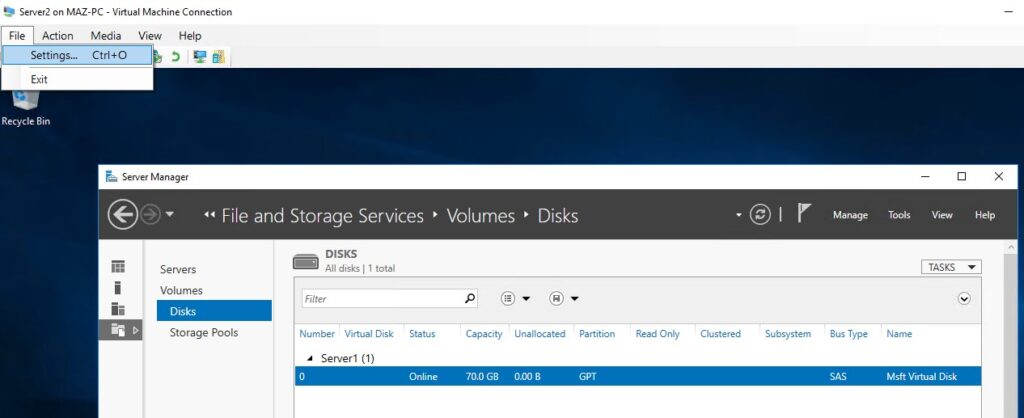
Open Hyper V Manager > open the VM > click on settings
In the left pane click SCSI Controller > click Add Hard Drive

Click on New

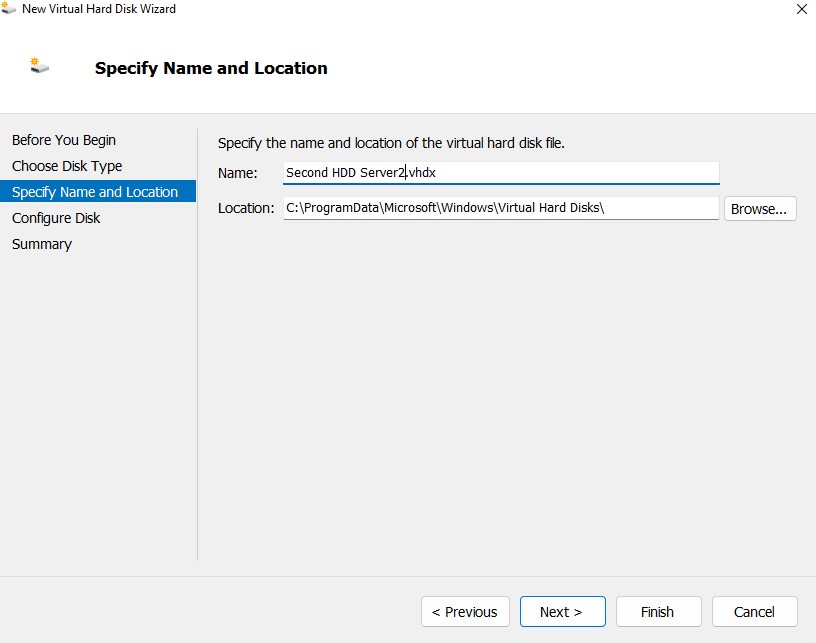
Choose the Disk Type either Fixed or Dynamic> Click Next > Name the Disk and select the location > Hit Next
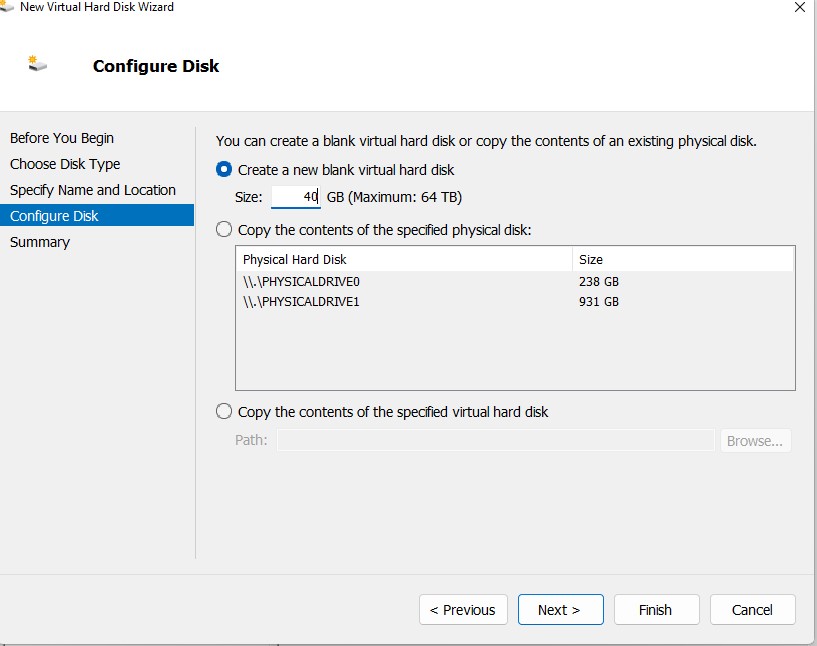
Select the Size > Hit Next > Hit OK
Now Turn on your Virtual Machine > Server Manager >File and Storage Service you will see a Disk there (30 GB)
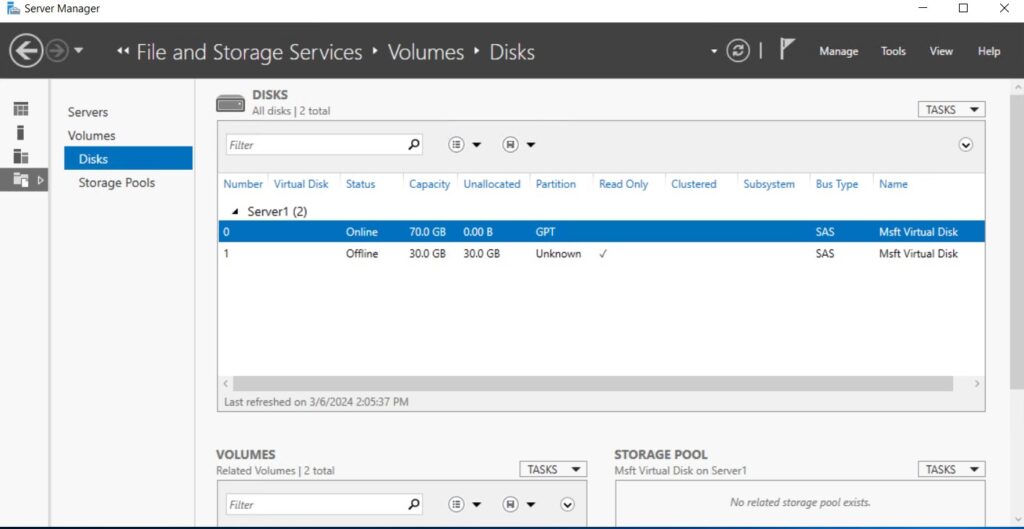
Right Click on the Offline Disk and create new Volume

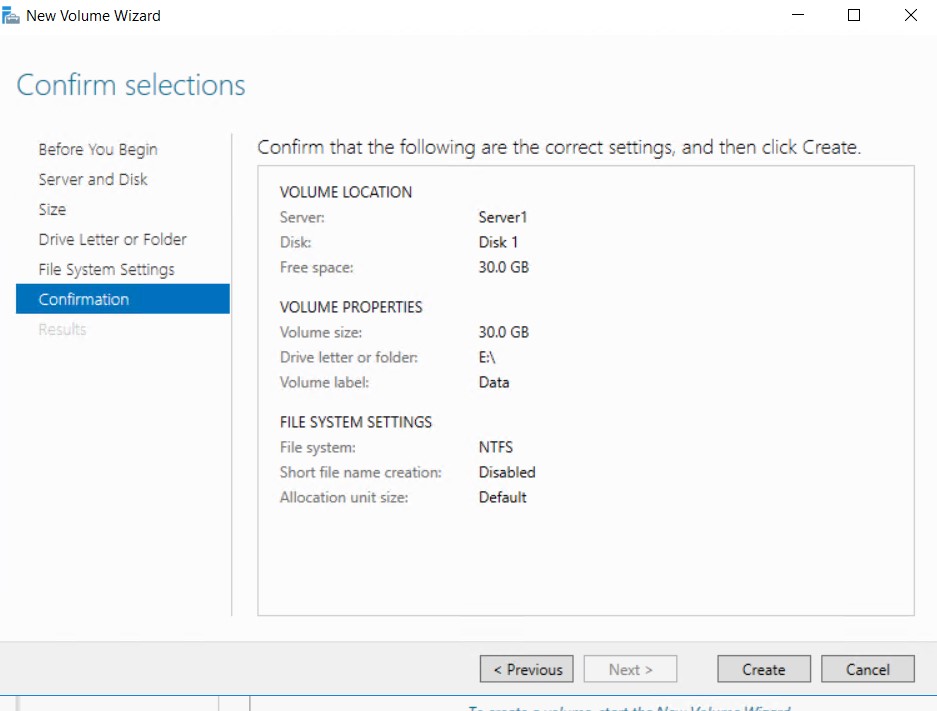
Assign Drive Letter for example E

File System > Select NTFS > Next > Click Create